Fiber & Optic Cleaning Guide
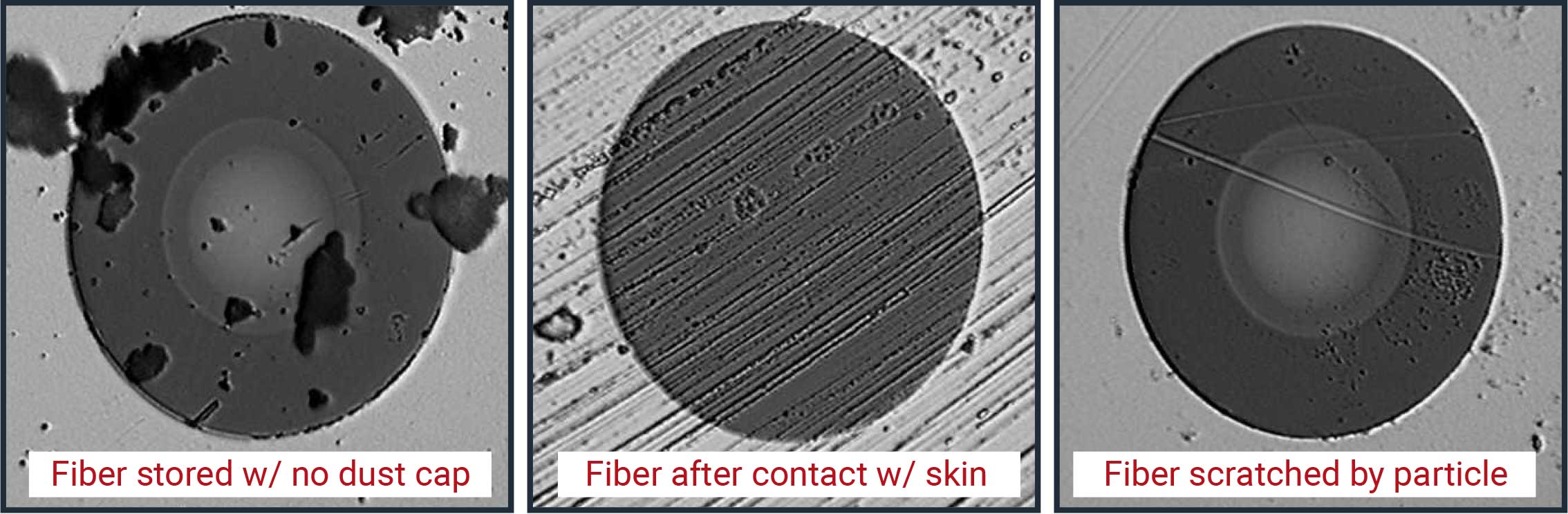
Small dust = big problems.
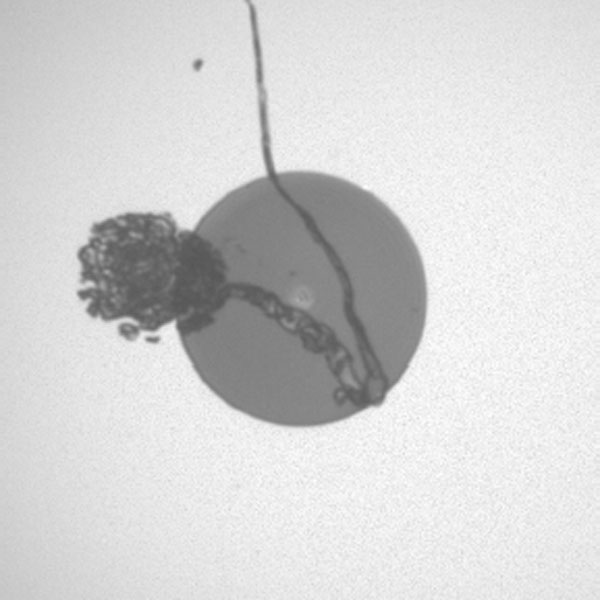
To prevent cross-contamination, signal degradation, and network failure, you must clean both the fiber cable and the transceiver before every installation; even microscopic debris on one surface can permanently scratch the other, compromising the entire link.
The 30-Second Method: ICI
Add Your Heading Text Here
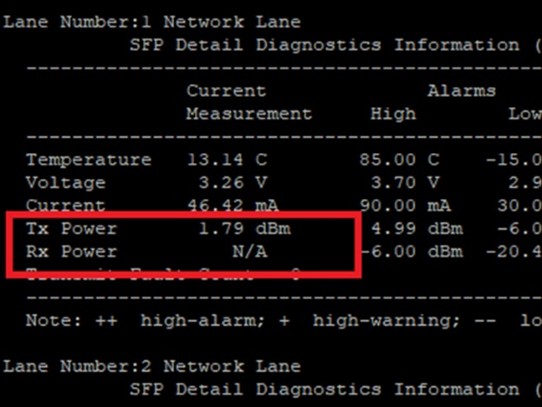
Use the following conversion as a baseline for estimating distance loss, but treat it as a starting point only. Because specifications vary, you must always verify these estimates against the actual Rx power readings of your optic in the field.
-
Inspect
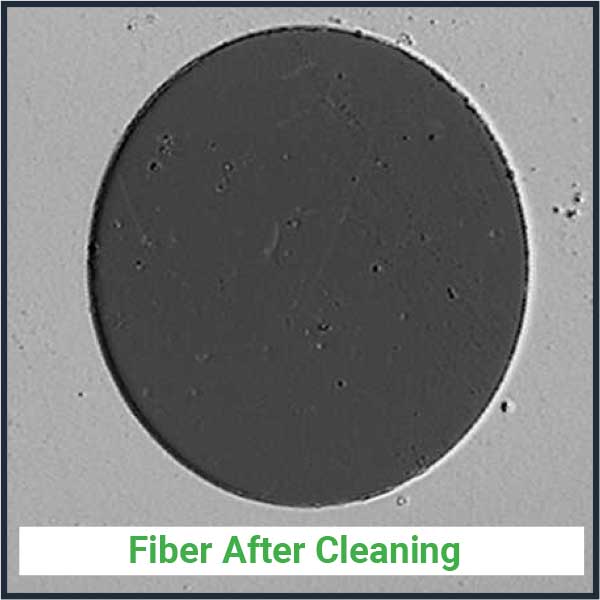
BOTH end-faces with a scope.
-
Clean
BOTH the fiber connector + port (or transceiver) (1–3 clicks with the right tool).
-
Inspect Again
Connect only when clean.
Minimal Kit (what you actually need)
- LC/SC/MPO one-click cleaners
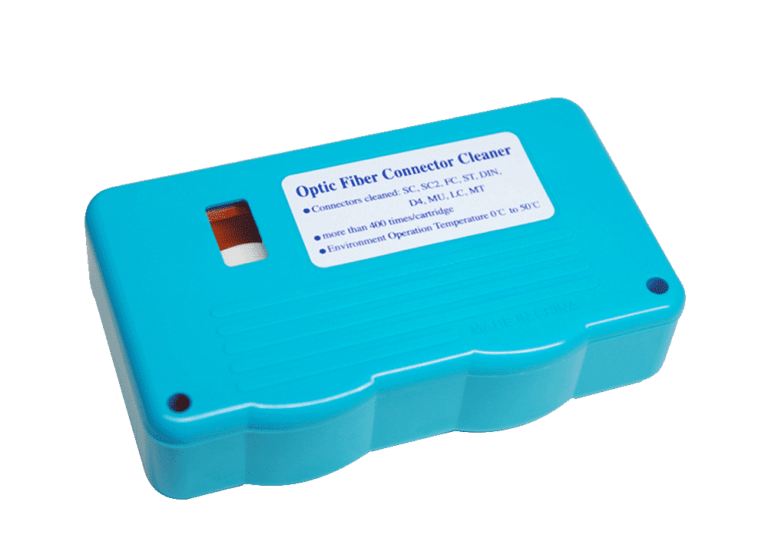
- Fiber Connector Cassette
- Handheld inspection scope
- Dust caps for every unplugged end

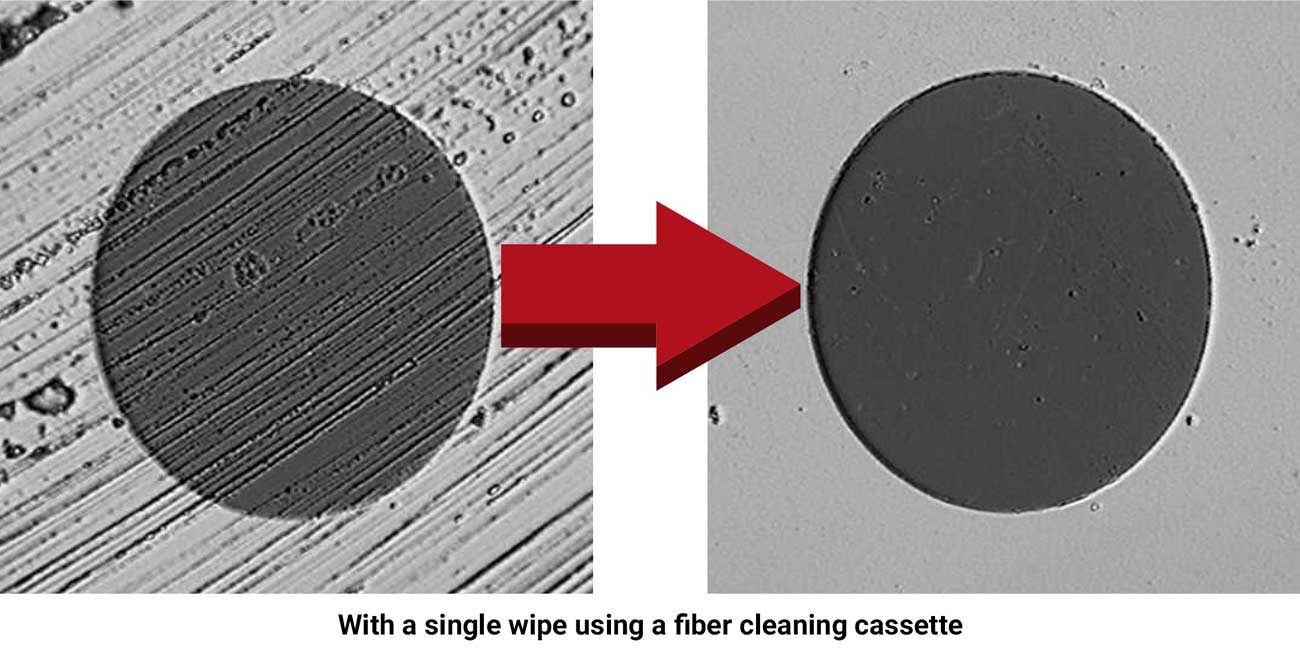
Reel-type cleaners quickly and effectively clean a variety of connectors. Reel-type cleaners are a safe cleaning option without the need for alcohol, which can be toxic and flammable. They have refillable cleaning tapes making them ideal for lab, assembly lines and field use.
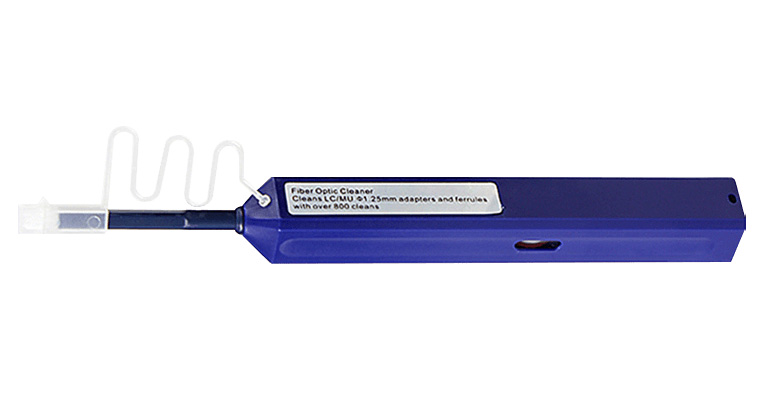
Designed for cleaning LC and MU type connectors, this fiber cleaner can easily remove dirt, dust, oil and grease from an optical fiber adaptor. With the ability to each into the entire area within the connector, it makes cleaning of the ferrule endface a simple task with the push of a button.
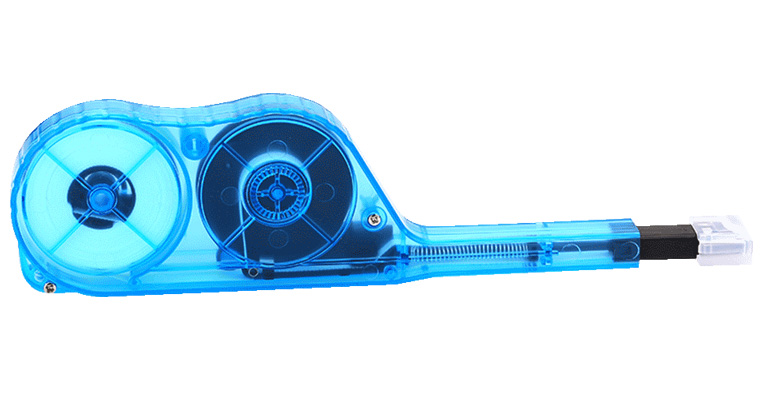
This push-type cleaner is specifically designed for the cleaning of ferrule end-faces in MTP/MPO adapters. With the ability to clean all 8/12/24 fibers simultaneously it is a time and cost efficient tool for the maintenance of fiber cables. Can clean both exposed jumper ends as well as connectors embedded in the adapter.
Quick Triage
-
Low/unstable Rx power
contamination likely → ICI both cable and transceiver. Reseat
-
CRCs / input errors
re-clean; if recurring, replace the patch cord.
-
Link flapping
ICI both cable and transceiver, reseat, verify latches fully engaged, check bend radius.
Does & Don'ts
Do
- Cap every unplugged connector and module immediately
- Store cleaning tools sealed; replace dirty tips/wipes
Don't
- Don’t connect before a clean inspection result
- Don’t touch ferrules or look into active ports
When to Clean – ICI (Inspect → Clean → Inspect)
-
At Install
ICI every mating pair + ports
-
After any service touch
ICI before reconnect
-
If errors / loss appear
ICI both ends first, then escalate